

Introduction
Mapping Matter is a Disguise Cloud plugin for projection and LED design. In a scene you place projectors, LED tiles, cameras and observers; preview content on 3D geometry; run photometric, accuracy and brightness analyses; and publish snapshots for review.
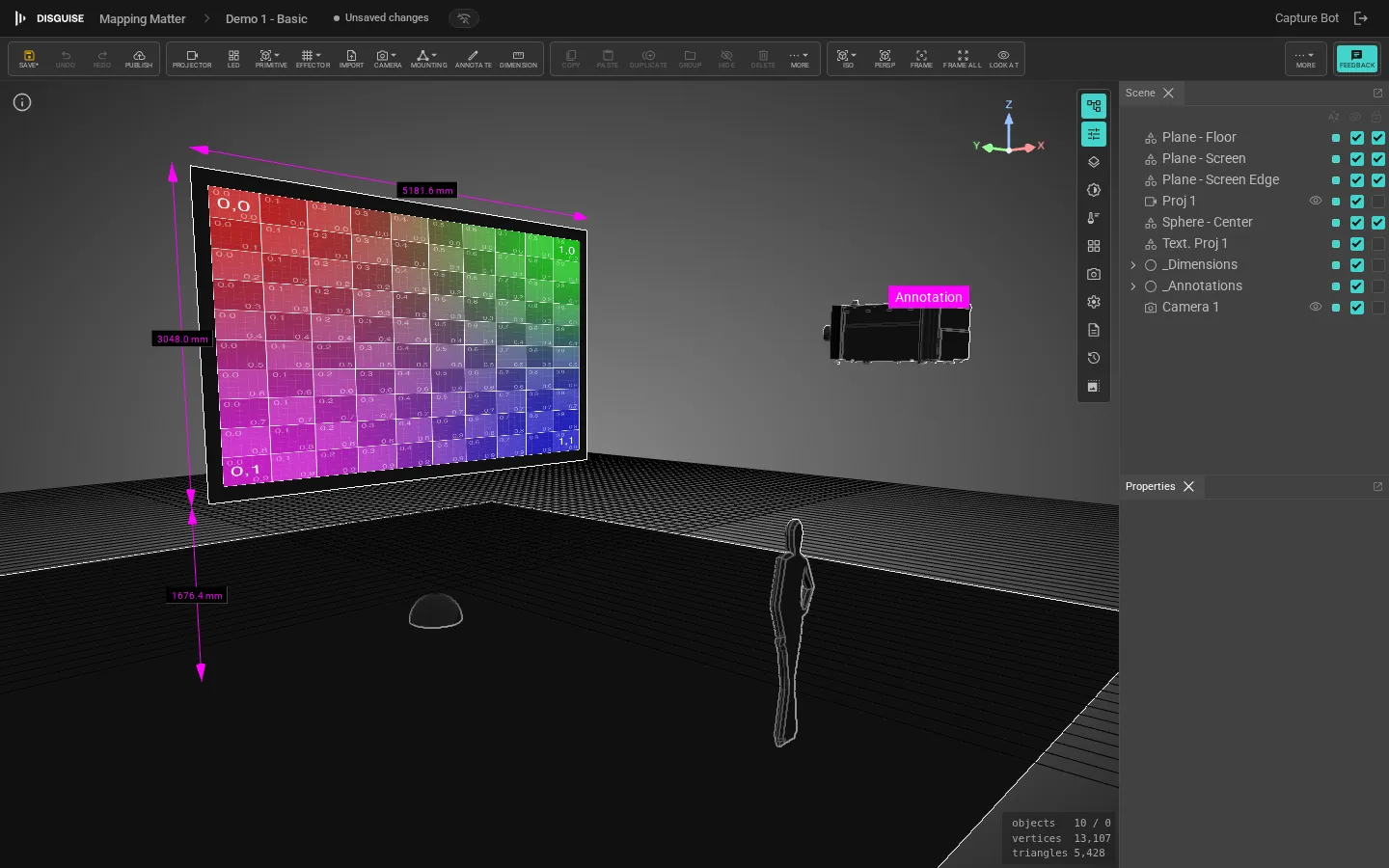
How it works
Section titled “How it works”Platform
Section titled “Platform”Mapping Matter runs in desktop browsers (Chrome, Edge, Safari, Firefox) on macOS and Windows, and requires WebGL 2. Scenes, revisions and assets are stored in your Disguise Cloud project. There is no local install or backup.
Architecture
Section titled “Architecture”- Scenes are 3D documents tied to a Disguise Cloud project. They auto-save and keep a full revision history.
- Snapshots are named, locked publishes of a scene: read-only copies shared by anonymous link (with optional password) or by emailing specific users.
- Collaboration is real-time. You see other editors’ cursors, and scene locks prevent conflicting edits.
- Libraries are split between your project (private assets, layouts, custom projectors) and a platform-wide demo library that signed-in users can browse.
Who uses it
Section titled “Who uses it”Projection-mapping professionals: technical designers, projectionists, content creators, set designers, and sales engineers preparing budgets and proposals.
Typical use cases:
- Iterate on projector placement, lens choice, and stack count.
- Check contrast and coverage with the photometric and brightness viewports.
- Preview stills and short clips on 3D geometry, including LED tiles.
- Measure pixel density and overlap per surface.
- Produce PDF layouts and CSV exports for media servers.
- Share design intent with clients via published snapshots that can be password-protected and revoked.
What it isn’t
Section titled “What it isn’t”Mapping Matter is not a content authoring or playback tool. It previews stills and short clips on geometry; use Designer for show authoring and playback.