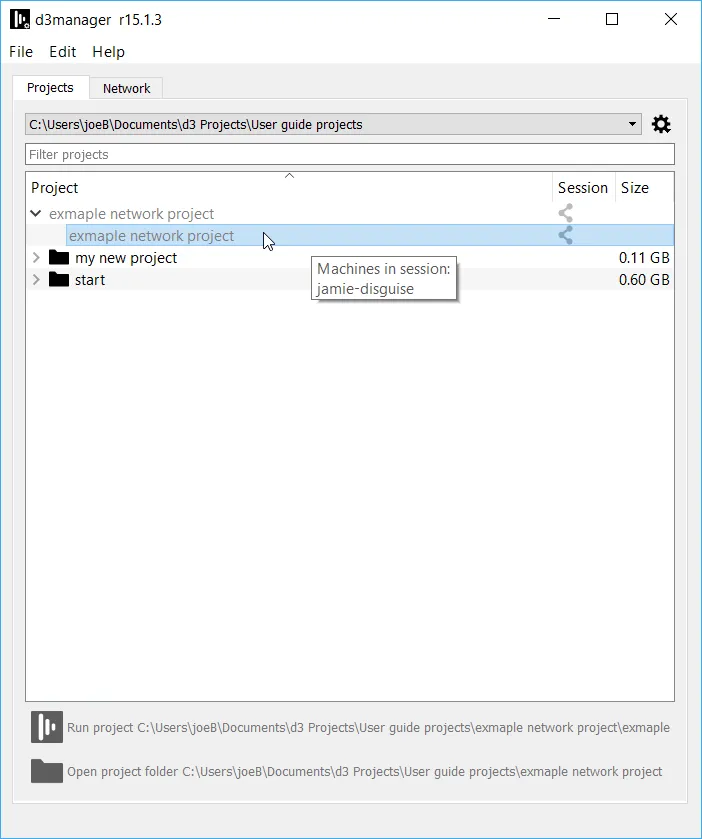
Joining a Session From a File List
Join session allows users with to access projects over the network for multi-user editing.
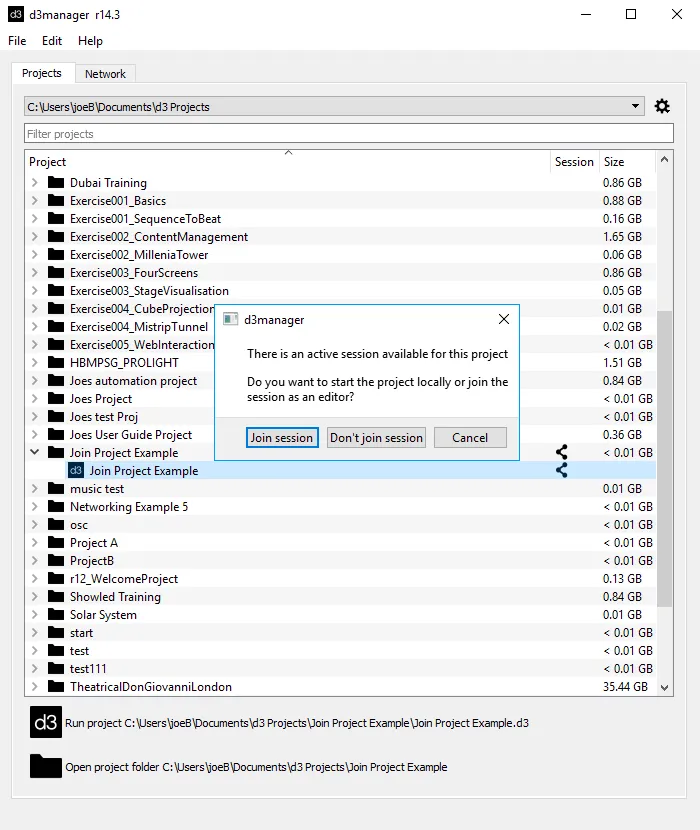
To join a session from the file list
Section titled “To join a session from the file list”- Ensure that the session icon is visible in the session column. If not you may have a networking issue or you haven’t set up your Director/Actor network correctly.
- Double-click the project in the file list.
- Select Join session from the popup selection.
Viewing machines in a session
Section titled “Viewing machines in a session”It’s possible to view which machines are in a session, without joining it.
Hover your mouse over the .d3 file in Manager to see the machine names currently in that session.