

OpenVPCal Plugin
The OpenVPCal plugin solves the problem of LED colour being recorded differently by the camera which is observing it, due to the inherent technical differences between the two technologies (a phenomenon called metameric failure).
Therefore the OpenVPCal plugin is useful for colour pipelines in any LED and camera scenario, such as in-camera visual effects pipelines or live events which use LED and cameras for IMAG or onwards transmission.
Use this plugin to generate calibration patterns, produce analysis data, calibrate LED walls, and create OCIO (OpenColorIO) configurations with colour calibration results. The created OCIO config can be loaded in Designer to apply the colour calibration results to LED walls.
Calibration is powered by OpenVPCal (developed by Netflix), and Disguise project control is provided through Designer Plugins.
Features
Section titled “Features”- Generate SPG patterns for pre-calibration setup.
- Generate calibration patches for colour calibration.
- Camera-LED analysis and calibration.
- OCIO config import/export with calibration result.
Requirements
Section titled “Requirements”You need the following before starting:
- Disguise Designer installed and licensed
- OpenVPCal plugin installed
- A compatible OCIO configuration
- A Disguise server
- A configured LED wall with stable video output from Disguise
- A camera for capture process of the calibration
Install the Plugin
Section titled “Install the Plugin”To install this plugin:
- Download the OpenVPCal Plugin package from the Designer Plugin Gallery.
- Unzip the plugin in any folder you’d like.
- Launch OpenVPCalPlugin.exe.
- Open Designer.
- Click Plugins to access the Plugin Launcher.
- Click OpenVPCal to open the OpenVPCal Plugin.
After launching, the plugin icon appears in the Windows system tray for accessing logs or quitting.
OpenVPCal Plugin Guides
Section titled “OpenVPCal Plugin Guides”Release Notes
Section titled “Release Notes”v1.1.1
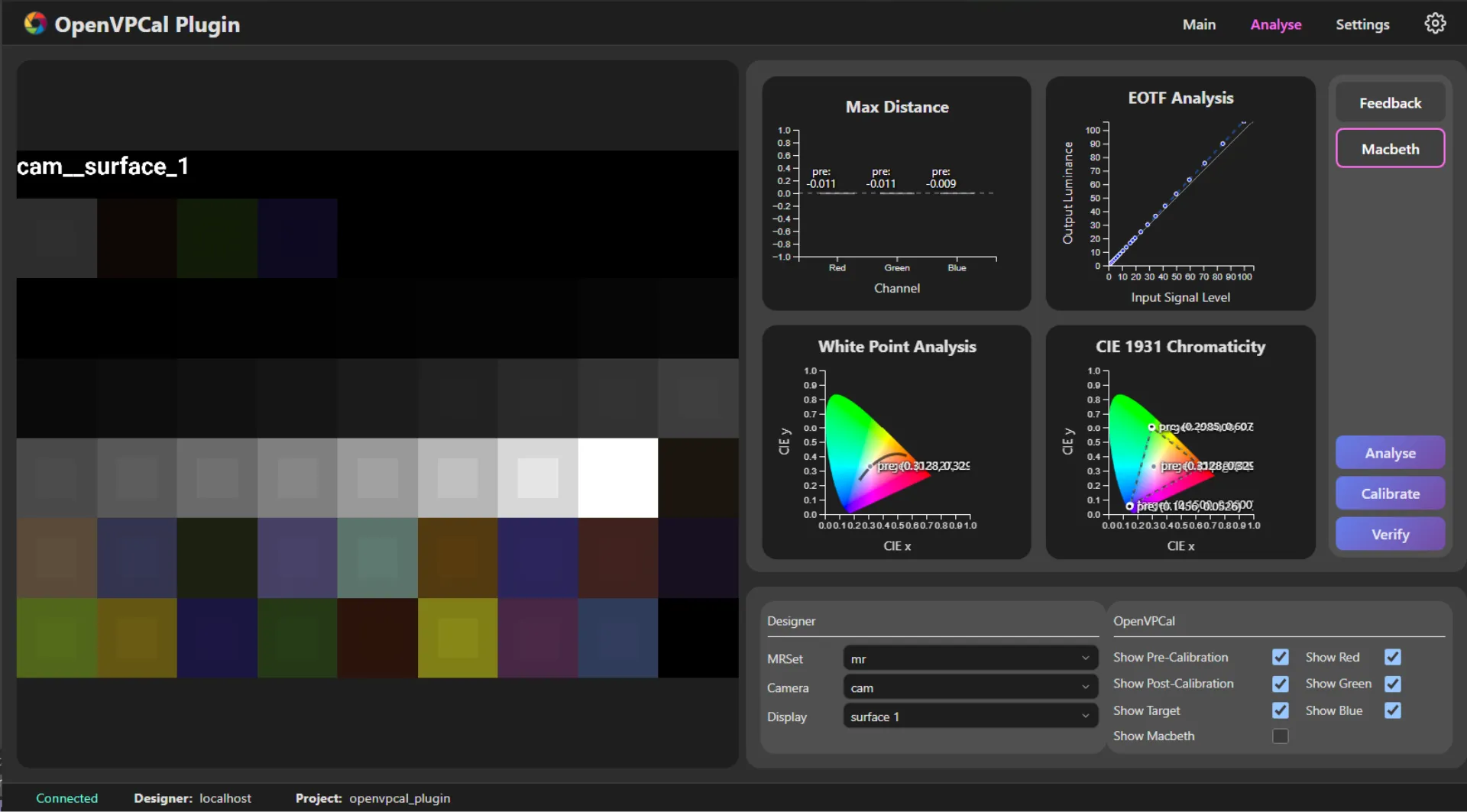
Section titled “v1.1.1”- Added the Verify button to the Analyse tab to re-capture and analyse with the calibrated output transform applied.
- Added the Update OCIO Config on Capture option to control whether the OCIO config is reverted to the pre-calibration config on capture start.
v1.1.0
Section titled “v1.1.0”- Fixed Generate Calibration Patches and Generate SPG Patterns failing when write access to the d3 projects folder is disabled.
- Fixed an issue where clicking the system tray icon opened the WebUI even when the plugin server had failed to start.
- Improved warning messages on calibration process failure.
- Display the region of interest (ROI) used for analysis and calibration in the canvas area of the main tab.
- Renamed the Generate Colour Patches button to Generate Calibration Patches.
- Limited the number of displays for the capture process to one.
- Captures must be performed one at a time with the correct camera exposure settings.
- Added the Add Video Layers button to the main tab.
- This populates OpenVPCal Pre-Calibration Patch and OpenVPCal SPG Patterns layers in Designer.
- Populates the OpenVPCal Pre-Calibration Patch layer in Designer when Generate Calibration Patches completes.
- Populates the OpenVPCal SPG Patterns layer in Designer when Generate SPG Patterns completes.
- Updates the video for OpenVPCal Pre-Calibration Patch and OpenVPCal SPG Patterns when the selected display is changed from the plugin.
- Updates the displays of OpenVPCal Calibration (Direct) Mapping when the selected display is changed from the plugin.
- Reverts the OCIO config to the pre-calibration config when a calibrated OCIO config is selected (
post_calibration..._.ocio) and the capture process restarts. - Added rsync support for Windows.
- Added Analyse and Calibrate buttons to the Settings tab for convenience.
- Switches to the Analyse tab automatically when the Analyse or Calibrate process completes.
- Moved analysis feedback from the main tab to the Settings tab.
v1.0.0
Section titled “v1.0.0”- Initial release
- Support calibration workflow:
- Generate colour patches
- Generate SPG patterns
- Capture sequence
- Analyse
- Calibration
- Support analysis graphs of calibration results
- Support import/export of OpenVPCal settings
- Support Designer property control for calibration via Designer Plugin
Reference
Section titled “Reference”- OpenVPCal: GitHub