

MatrixControl Layer
MatrixControl レイヤーを使うと、タイムライン上でマトリクスプリセットをアニメーション化できます。現在、Designer には多数の matrix 用の組み込みマトリクスデバイスがあります。
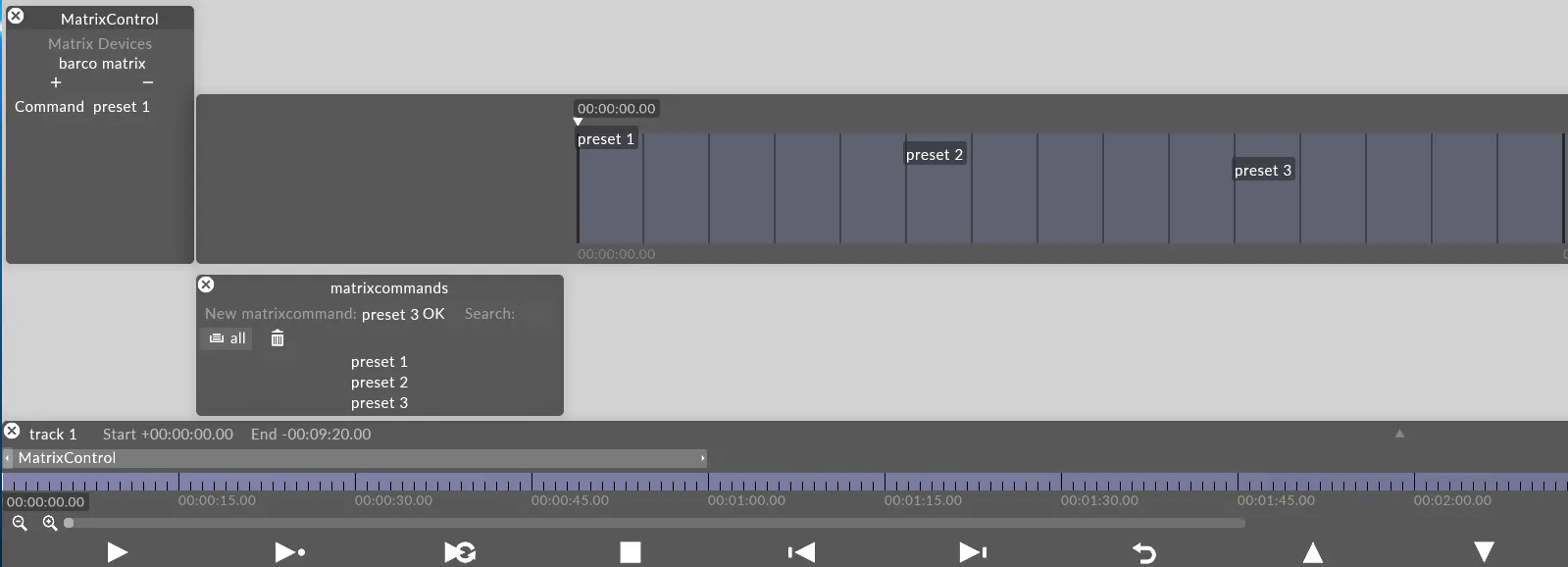
MatrixControl レイヤーのプロパティ
Section titled “MatrixControl レイヤーのプロパティ”Matrix
Section titled “Matrix”制御したい matrix デバイス。
Command
Section titled “Command”トリガーしたいプリセット。
MatrixControl コマンドの作成とシーケンス
Section titled “MatrixControl コマンドの作成とシーケンス”DVI マトリクスプリセットの作成 / シーケンスは、Command キーフレームエディターにキーフレームを配置することで行います。したがって、AnimateCameraPreset レイヤーなど、キーフレームエディターを使用する他のレイヤータイプと同じです。
マトリクスプリセットには 3 つのタイプがあります。
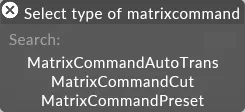
MatrixControl コマンドの編集
Section titled “MatrixControl コマンドの編集”各コマンドタイプは、特定のコマンドエディターを開きます。
MatrixCommandAutoTrans
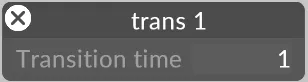
Section titled “MatrixCommandAutoTrans”指定された transition time でのトランジション。Barco Encore にのみ適用されます。
MatrixCommandCut
Section titled “MatrixCommandCut”ハードカットでのトランジション。Barco Encore にのみ適用されます。

MatrixCommandPreset
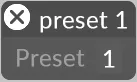
Section titled “MatrixCommandPreset”マトリクスの preset を変更します。これは、すでに DVI マトリクスを設定している場合にのみ機能します。
MatrixControl レイヤーの使用
Section titled “MatrixControl レイヤーの使用”- まず、Device manager で新しいマトリクスデバイス(例えば Lightware matrix や BarcoMatrixPro)を作成します。マトリクスデバイスの IP アドレスが Director/Actor ネットワークと同じネットワーク上にあることを確認してください。
- 新しいレイヤーを作成します。
- 先ほど作成したマトリクスデバイスを選択します。
- 新しいコマンドを作成します。マトリクスプリセットの場合は MatrixCommandPreset を選択します。
- プリセットの番号を入力します。
- プリセットをアニメーション化するには、キーフレームエディターにドラッグ&ドロップします。